Relationship Graph
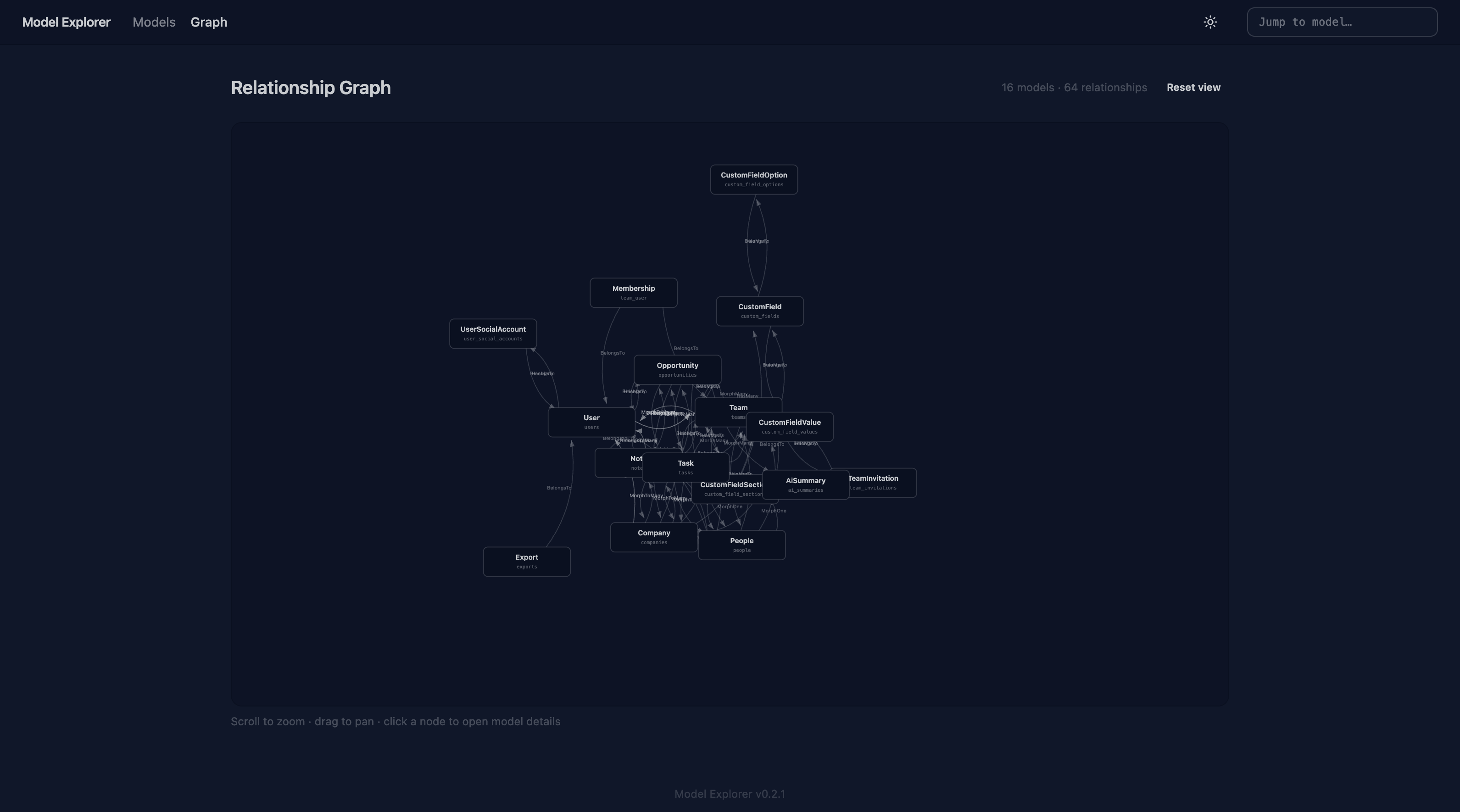
The Relationship Graph renders every model and every relationship in your application as an interactive, force-directed diagram.
Navigating the Graph
| Action | Result |
|---|---|
| Drag a node | Reposition that model; the graph re-settles around it |
| Scroll / pinch | Zoom in and out |
| Drag the background | Pan the viewport |
| Click a node | Navigate to the Model Detail view for that model |
| Reset button | Return the graph to its original centred layout |
Reading the Graph
- Each node represents one Eloquent model.
- Each edge (line) represents a relationship method. The direction of the arrow indicates which model defines the relationship.
- Nodes for models with many relationships appear more central; isolated models drift to the edges.
Tips
- On large applications the graph can become dense. Use the zoom and pan controls to focus on a specific cluster.
- The graph re-runs the force simulation on each page load — node positions are not persisted.